- Reading time:
- 3 minutes
Share this post
Kodesage MCP: Bringing Trusted Knowledge Into Every Workflow
21 July 2026

Sandra Schroeter
Senior Product Marketing Manager
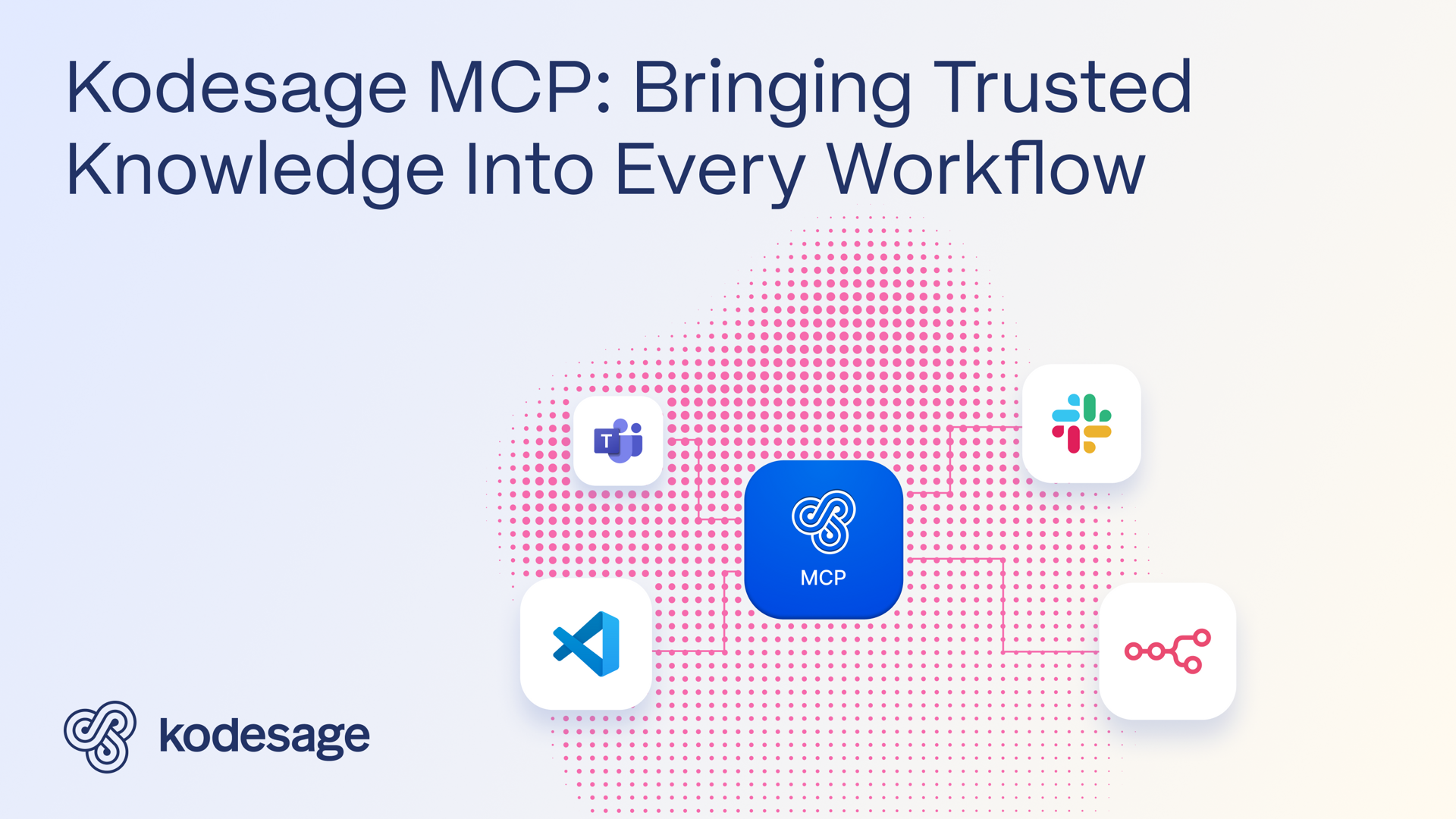
Kodesage's MCP server brings its knowledge directly into the tools teams already use, like developer IDEs such as VS Code, Slack and Teams for the wider team, and custom enterprise applications. It also powers agentic workflows, such as those built in n8n, where Kodesage becomes part of the decision logic, so that system knowledge is available exactly where it's needed, by a person or an agent.
As AI changes how we work, software must evolve to support both humans and AI agents. Kodesage’s MCP server is built for this shift. It brings system intelligence into the tools teams already rely on, while also enabling agentic workflows.
A new way to access Kodesage
Until now, teams have accessed Kodesage through Ask Kodesage, the web UI that provides answers grounded in the organization’s codebase, documentation, databases, and past production issues, as well as Docs Studio for documentation and Issue Analysis for ticket enrichment and resolution suggestions.
With the new Kodesage MCP server, that same intelligence is now available to AI agents and other MCP-aware clients. That means Kodesage can easily become part of tools, conversations, and workflows.

Supporting humans where they work
Most teams work in a small set of tools that stay open all day: IDEs, chat platforms, and core business systems. Every extra tool, or extra bookmark, adds friction, and friction often means people fall back on guesswork instead.
Kodesage removes that friction by putting trusted knowledge directly into the tools people already use:
In IDEs like VS Code, Kodesage sits alongside the code, so developers get answers without leaving their editor.

JetBrains IDEs are supported too. More on that in an upcoming post on the Kodesage CLI, so stay tuned.
In Slack or Teams, that same knowledge is just a DM or @mention away.

In custom enterprise applications, Kodesage fills the gap where documentation is incomplete or the knowledge only exists in someone's head.
This is the pattern Kodesage enables: eliminating knowledge gaps, increasing efficiency and improving the quality of work.
Powering agentic workflows
In agentic workflows, such as those built in n8n, Kodesage becomes part of the decision logic. For example, one workflow uses Kodesage’s integration with ticketing systems like Jira. Kodesage analyzes new tickets and suggests a solution, drawing on the same knowledge it uses to support people. The MCP makes that capability available to any agent-driven workflow handling support triage, routing, or responses.
For simple, self-service requests, like resetting a password, the agent can respond automatically. For more complex tickets, it can draft a response for a support agent to review and approve in their workflow management tool, keeping a person in control of the outcome.
This is the same pattern applied to agents: knowledge available at the moment it's needed, so the agent can decide and act.
What the MCP server provides
The Kodesage MCP server provides three tools that mirror the capabilities of Ask Kodesage in the web UI.
ask_kodesage lets a client ask a question and get an answer. A client can pass a conversation ID with each request, so Kodesage can follow up within the same thread.
upload_to_kodesage_conversation attaches a file to the conversation, including code, text, images, and document formats like PDF and Word.
get_kodesage_conversation returns the full conversation history.
Clients get the answers they need, and the full history stays visible in the Kodesage web UI for review. For setup instructions and full API details, see the Kodesage MCP Quickstart guide.
Security and control
Security is built in from the start. Because the MCP server runs on the same infrastructure as the Kodesage platform, it offers the same security and deployment standards: a controlled AI model and optional on-premises deployment in air-gapped environments.
ask_kodesage and get_kodesage_conversation are read-only, so a client can query Kodesage but never change anything. upload_to_kodesage_conversation implements defence in depth, including file type restrictions and internal validation. Access itself is tightly scoped: each MCP token is tied to a specific user and project, so a client only ever sees what that user is allowed to see. Kodesage also logs every conversation, giving you a clear record for review and governance.
Helping people and agents act on trusted knowledge
Kodesage's MCP server extends Kodesage beyond the web UI and into new and existing tools and workflows. It gives both humans and agents direct access to trusted knowledge while maintaining the control, context, and security that enterprises require.
Why choose Kodesage?
Deep Legacy Code Intelligence
Kodesage supports legacy stacks like Oracle Forms, COBOL, PowerBuilder, SAP, PL/SQL, and also modern stacks.
Secure On-premise Deployment
Single tenant application, offering both VPC and fully on-premise deployments meeting the strictest security requirements.
Living Knowledge Base
Connect to the entire codebase, issue ticketing systems like Jira, databases, tests, wikis like Confluence and upload documents.

Automated Documentation
AI generated software documentation that is always up to date with a pre-built and editable document template library.

Regression Test Automation
Automate regression and unit test coverage, accelerate releases and ensure traceability for future audits.

AI-powered Issue Ticket Analysis
Native integration to systems like Jira, and AI-generated fix recommendations for tickets.
Start transforming your legacy systems
With Kodesage teams maintain legacy projects more efficiently, and modernize faster.
See it in action today.